Crop Feature
Introduction
This feature allows you to crop and pan/tilt using our 2K cameras. AAs our cameras are having a higher resolution sensor than 2K, we can output a full HD signal without loss of resolution.
Pay attention that any "defect" will be magnified. So make sure to properly focus your lens, make sure to clean it, etc.
Pay attention it's only available on our 2K lineup camera
Prerequisites
Make sure to download the latest package (minimum 13). Use the latest software (minimum 1.6.0). And upgrade your camera to the latest version (included in the package you downloaded).
Usage
Video
Screenshots
In the software, navigate to Camera Setup > Scale factor.
From there you can select multiple factors from 1.00 (default) to 1.60 (maximum).
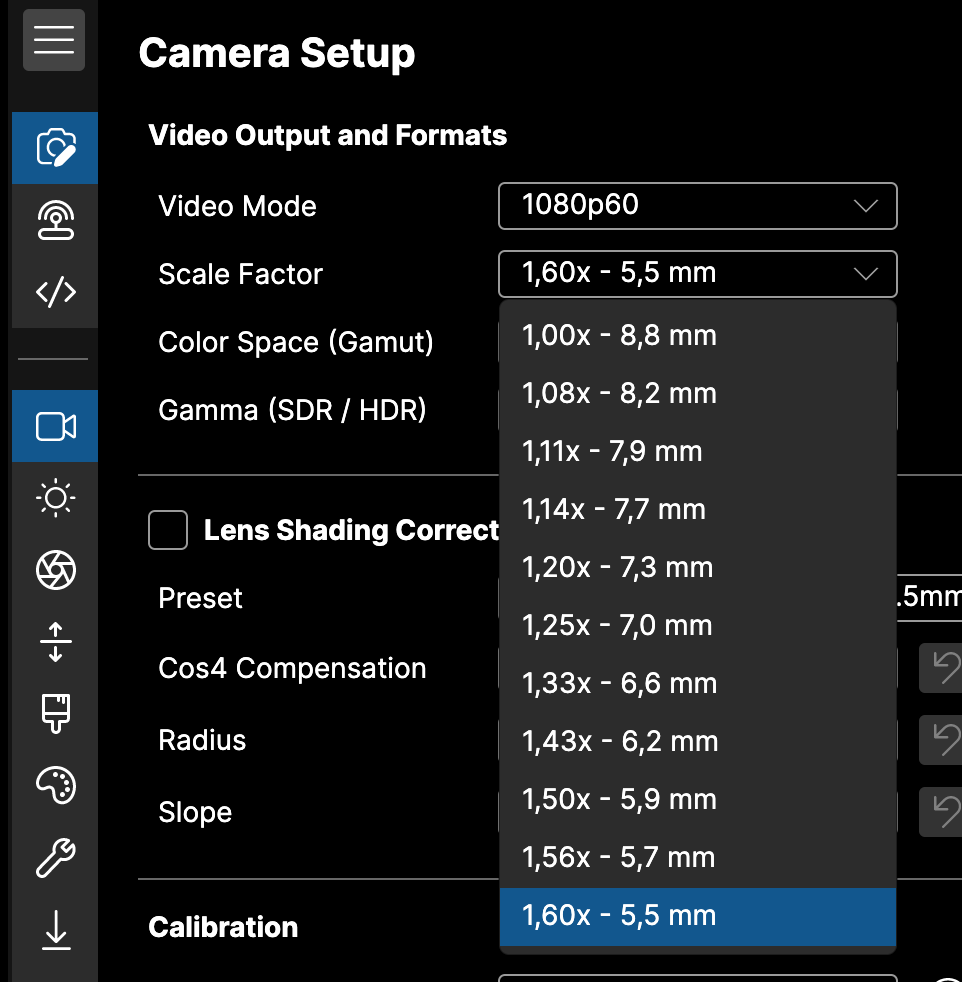
As our cameras are 2K, you can crop up to 1.60 and still have 1080 (HD) resolution. So even if you crop at 1.60, you don't lose any resolution.
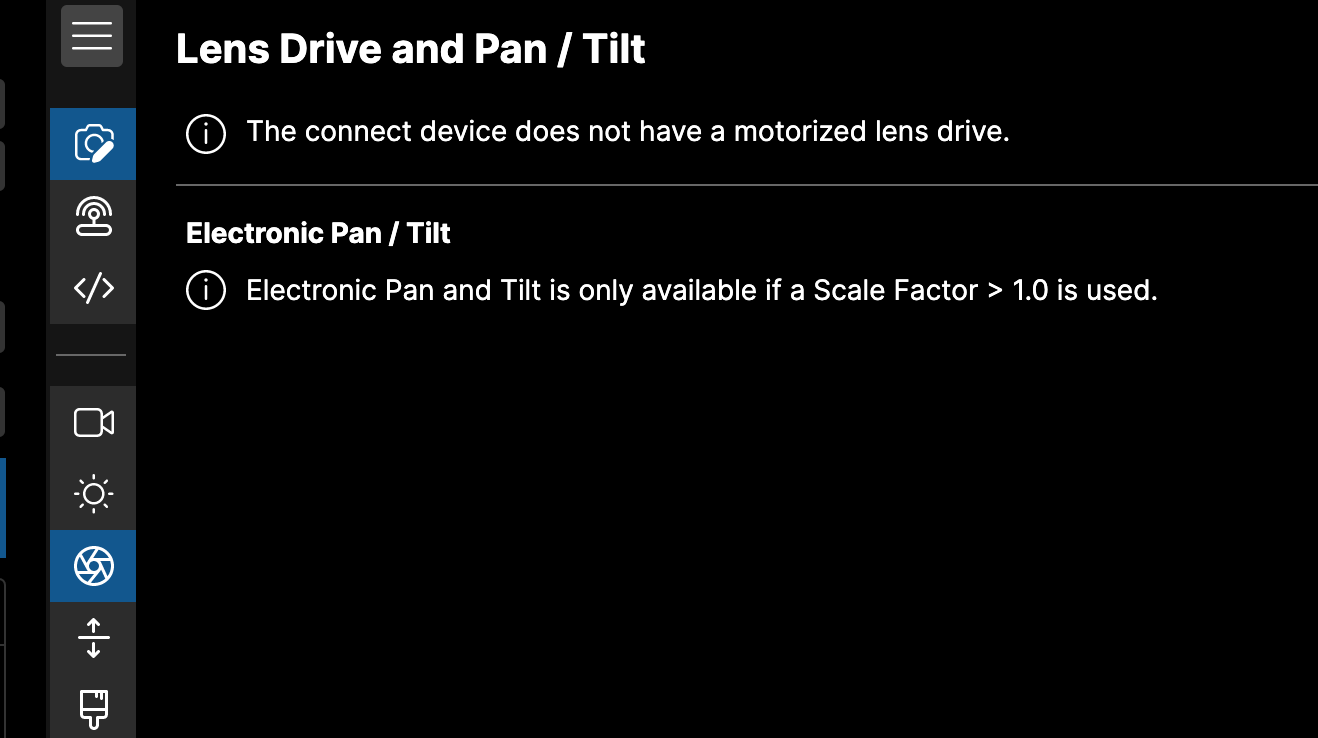
Pay attention that, if:
- Your camera is 4K/HFR
- Your camera is not updated to the latest software
- Your crop factor is 1.00 No pan/tilt will be possible.
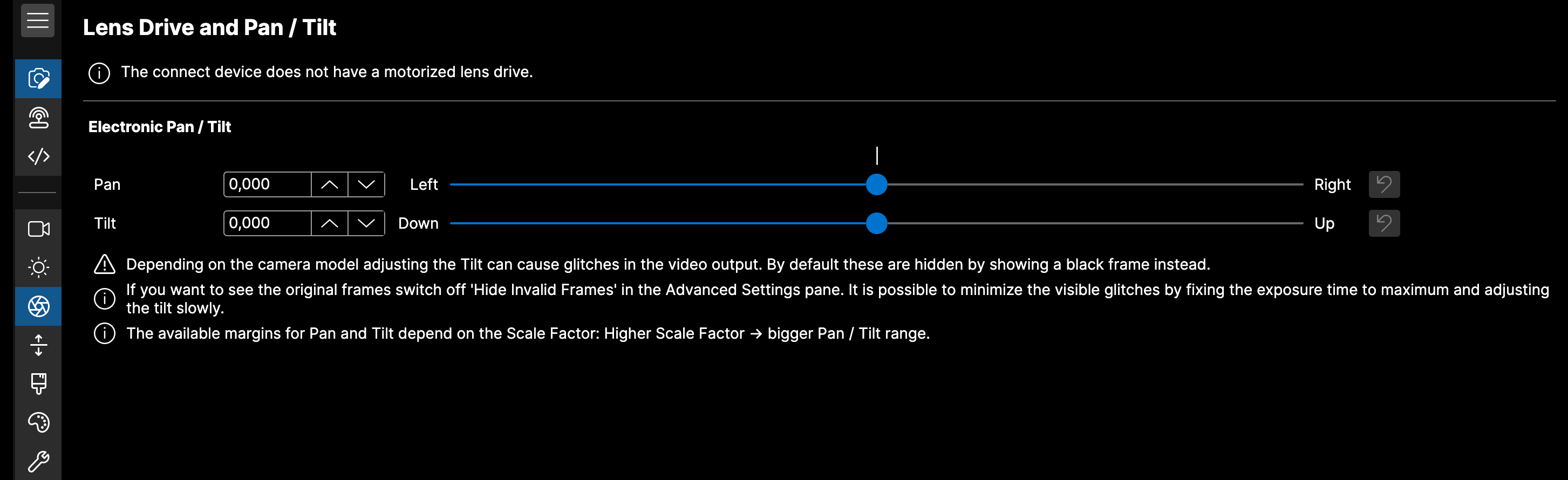
If all prerequises are there, you can find the pan/tilt in Lens Drive > Pan/Tilt
Crop factors
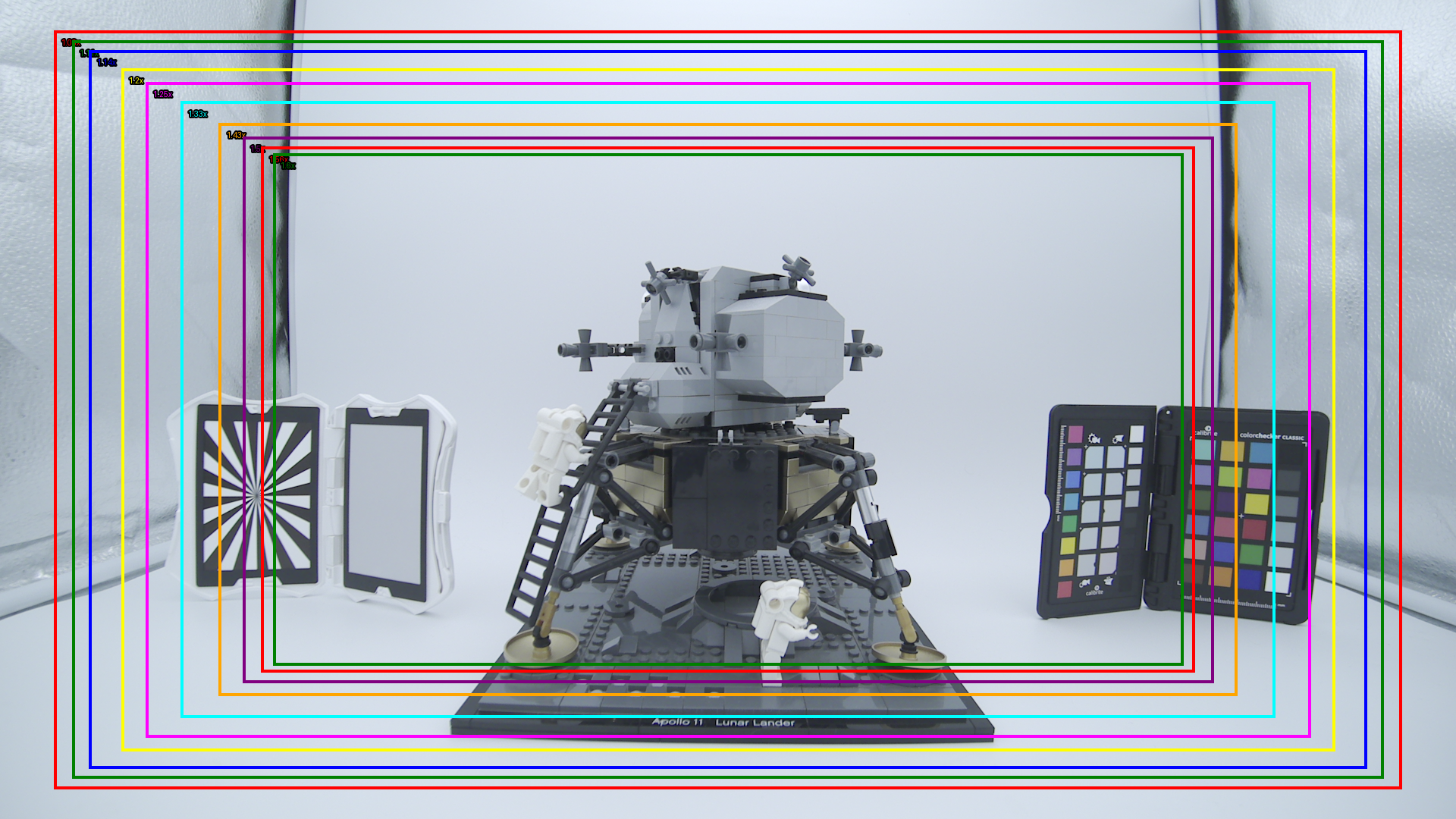
You have 11 crop factors:
- 1.00 (the default)
- 1.08
- 1.11
- 1.14
- 1.20
- 1.25
- 1.33
- 1.43
- 1.50
- 1.56
- 1.60 (the maximum, further than this, we would digital zoom and lose resolution)
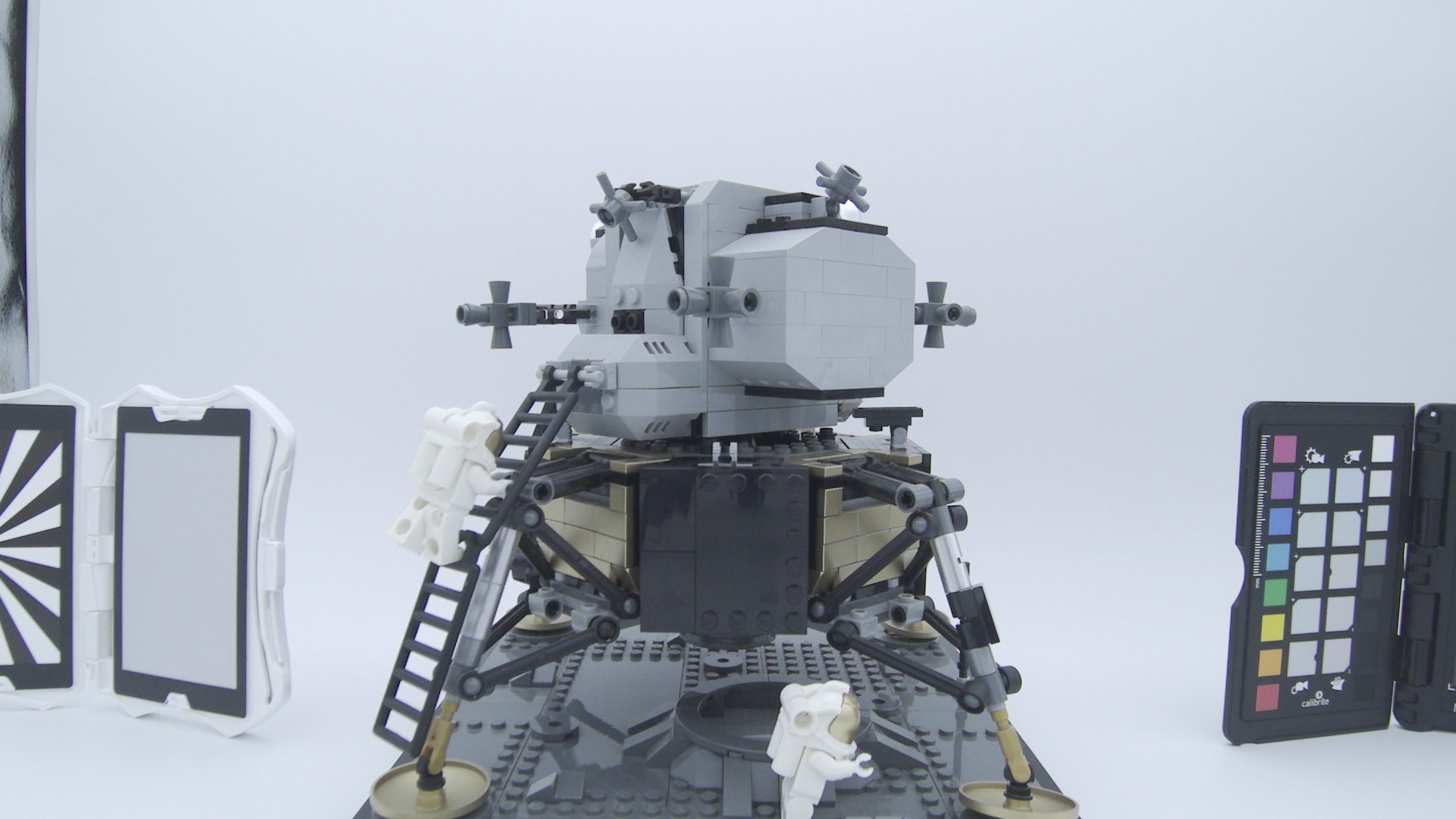
You can see here all the crop factor in a single picture (you can open the image in a new tab to see the native resolution)
Pan and tilt
Pay attention that our camera is not global shutter (rolling shutter). So when doing the pan/tilt vertically, based on your exposure, you could see some "dual exposure" images (that disappear once you stop doing pan/tilt). So either make sure to:
- don't pan/tilt when you're on air
- put the shutter to the minimum (1/50 if you're in 1080p50, etc. so shutter angle 360°) and if your exposure is not correct, make sure to fix it using ND filters. You can see in the video that in 1080p50, with shutter at 1/50, i have no "dual exposure". While if i have my shutter at 1/100, my image is dual exposed at 50% of the height. This height will change based on your settings.
Samples
You can right click > "Open Image in New Tab" to see the image in native resolution
1.00

1.08
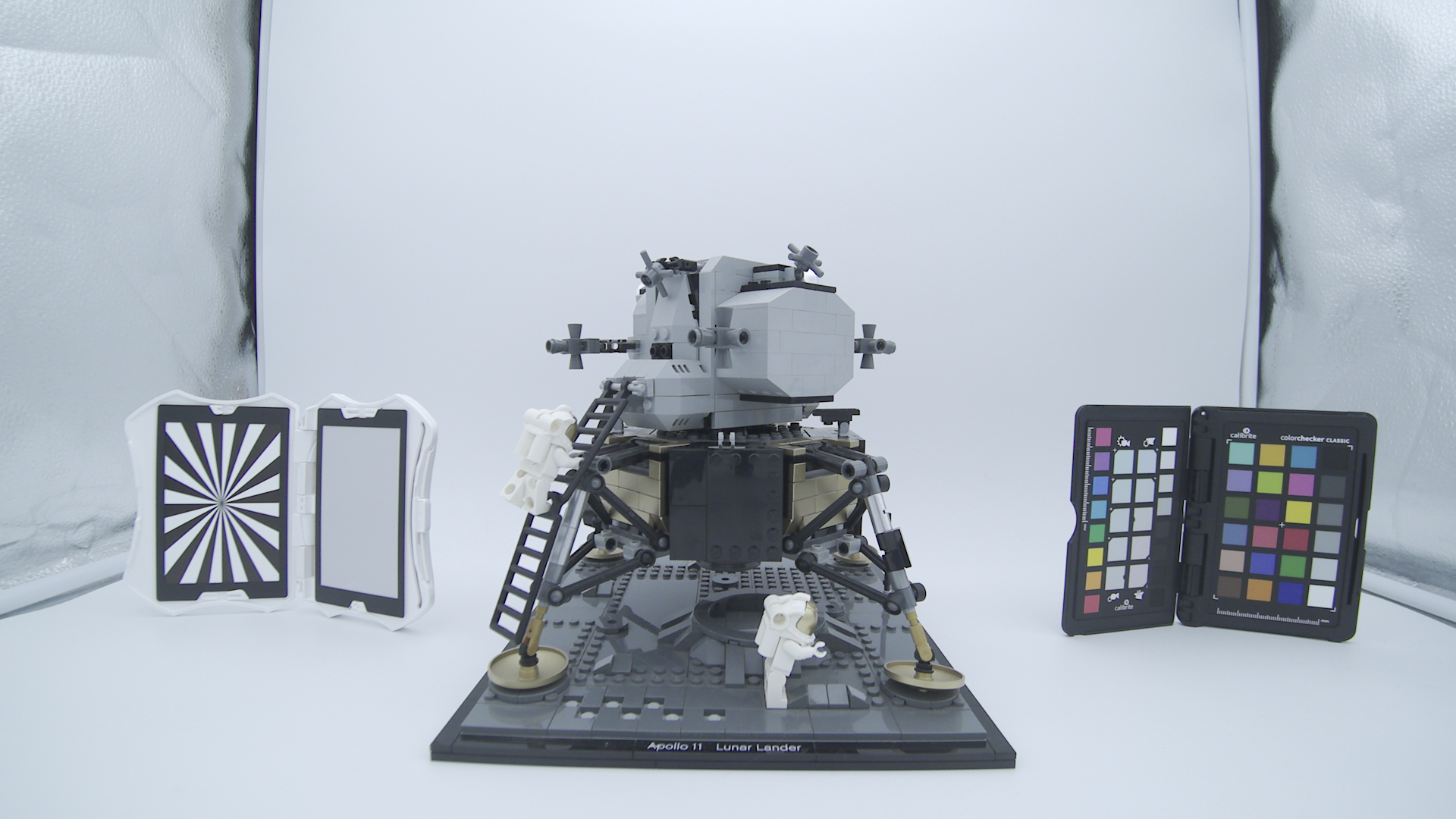
1.11
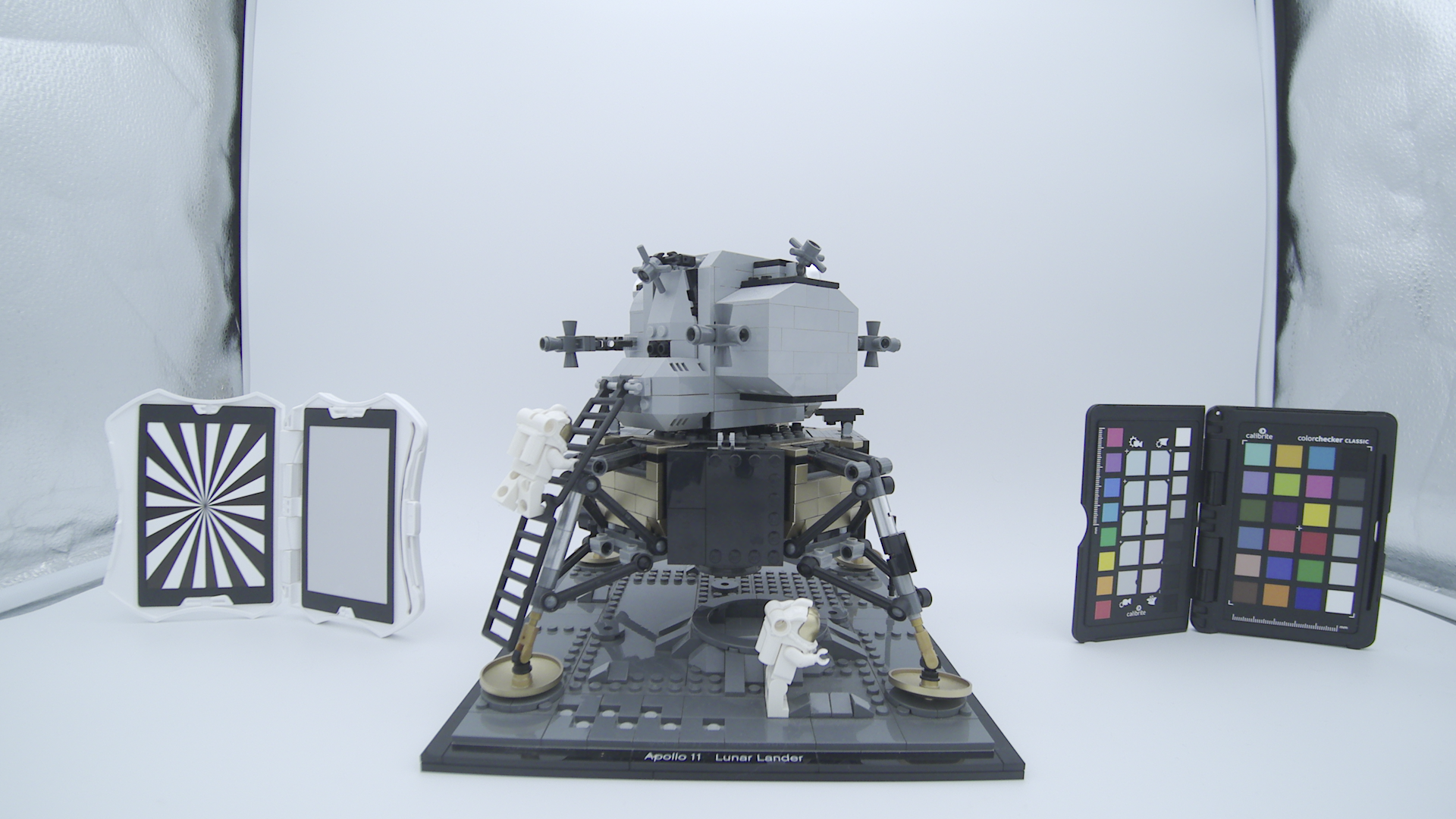
1.14
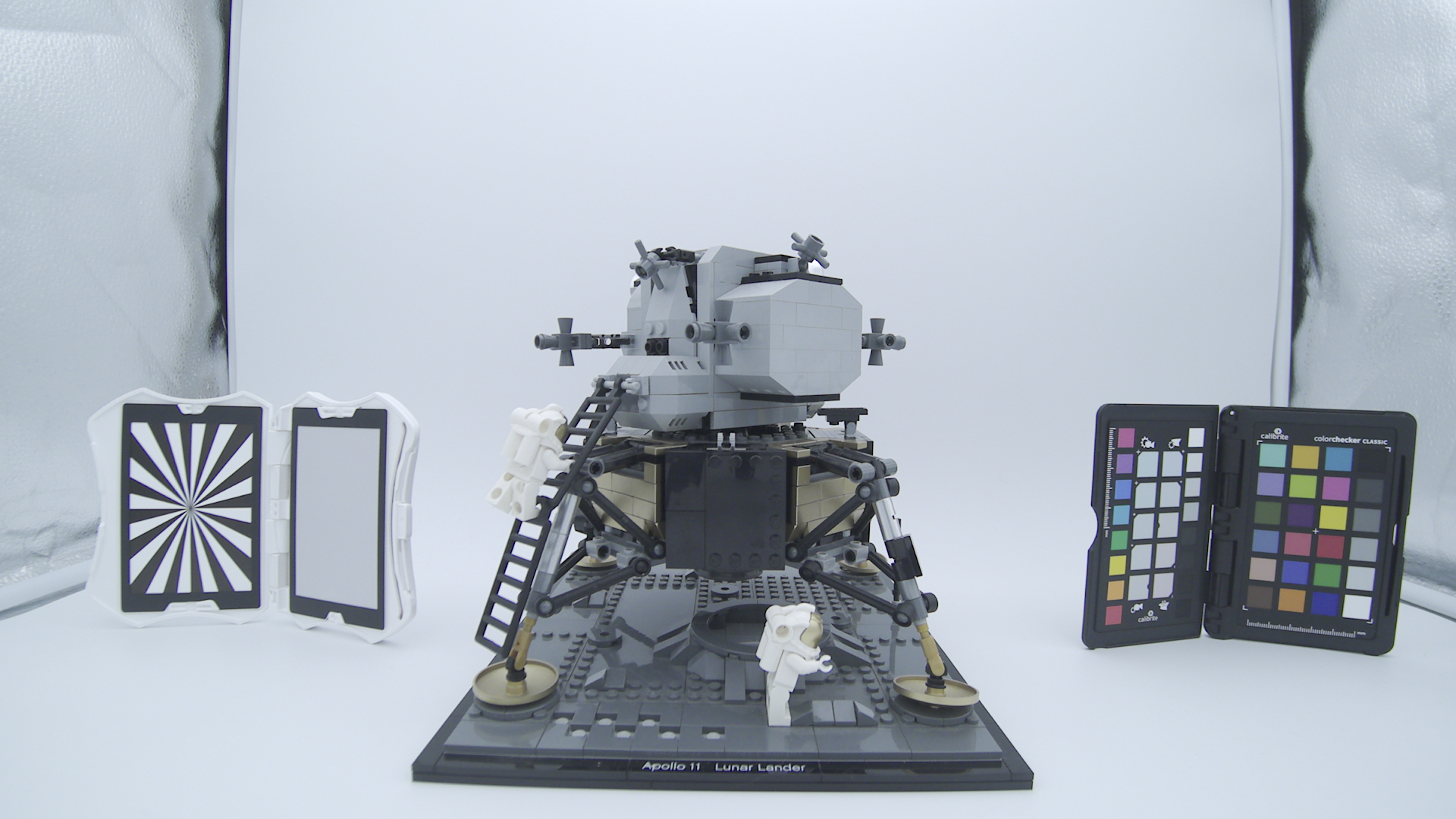
1.20
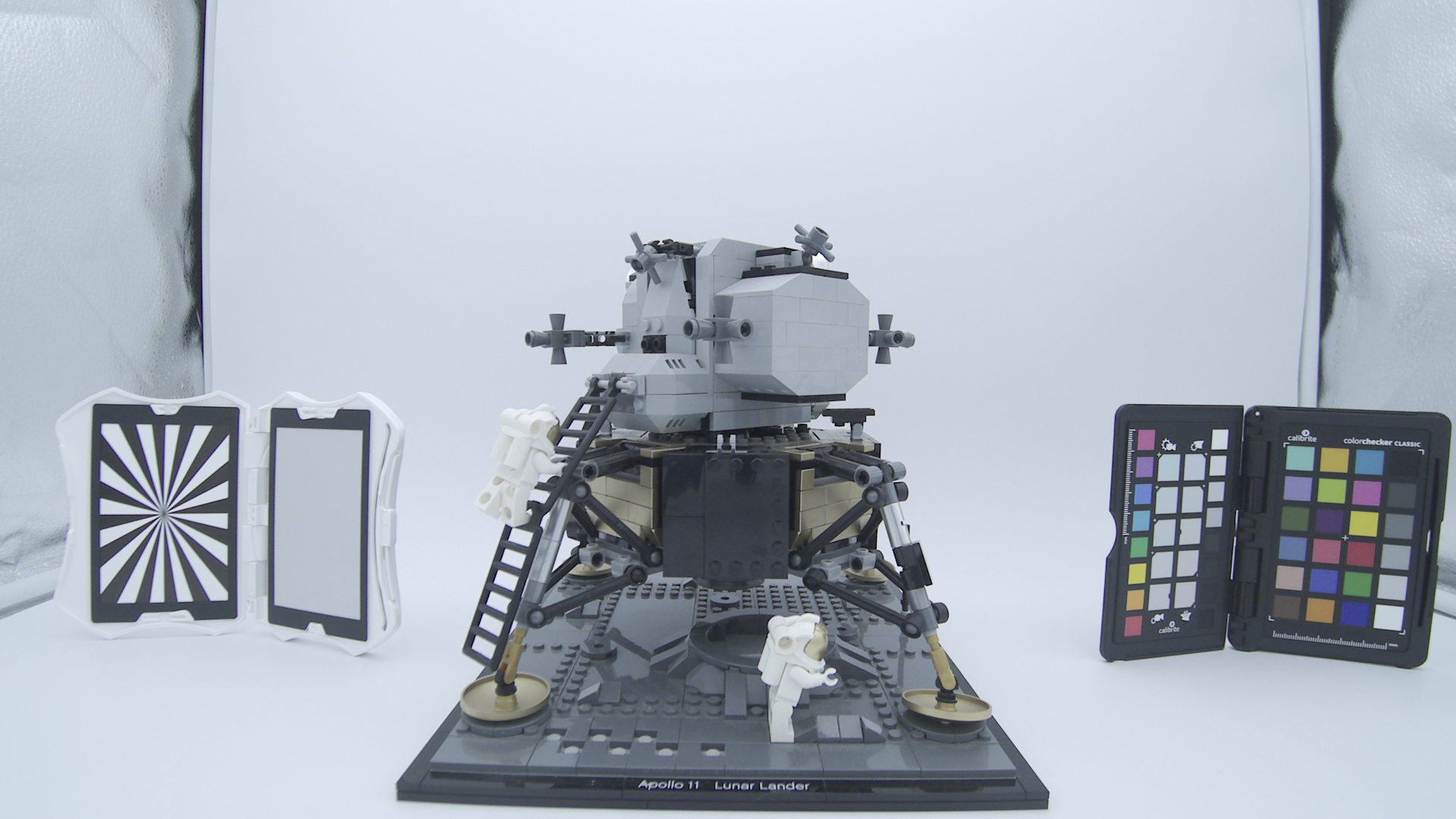
1.25
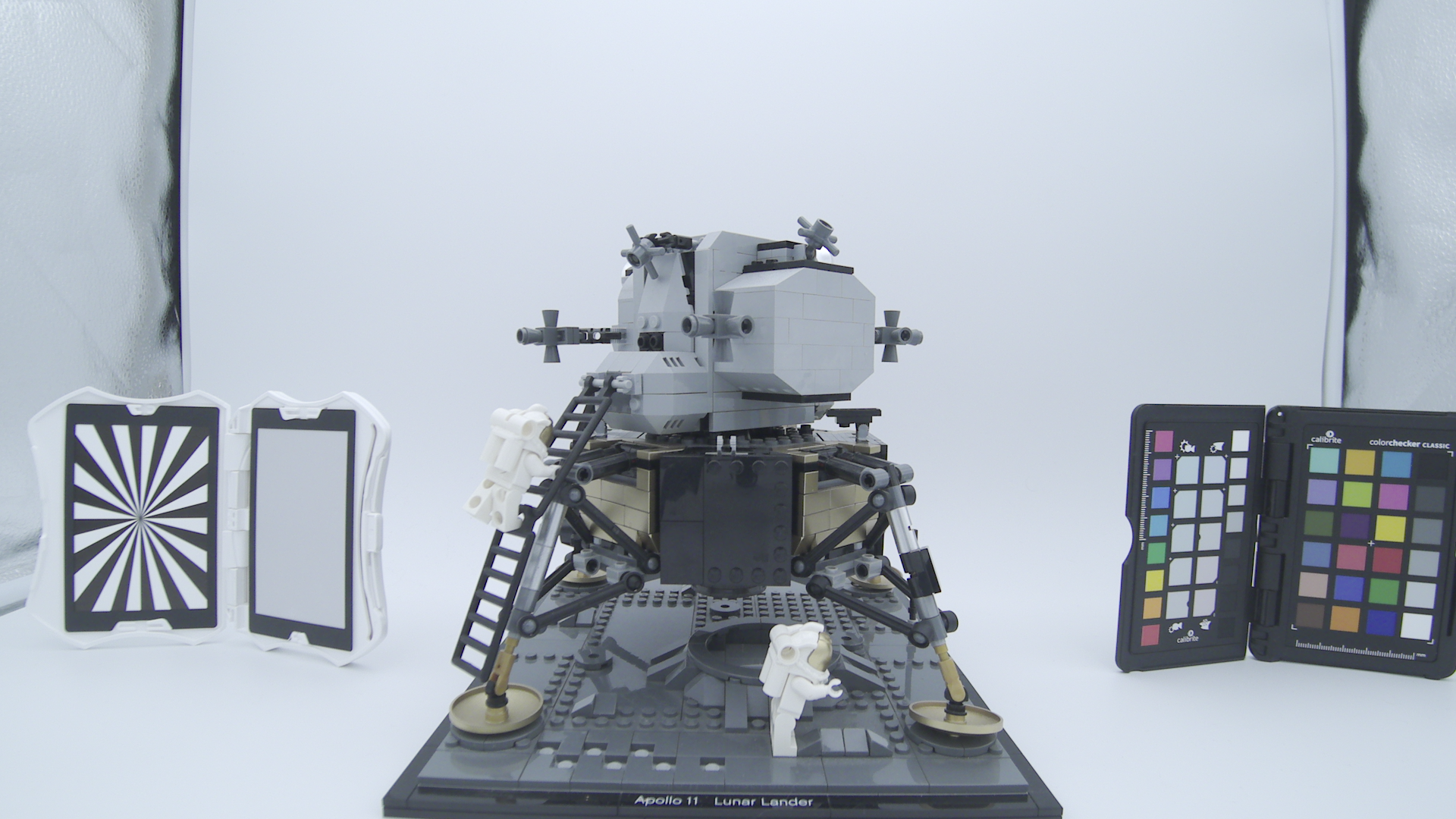
1.33

1.43
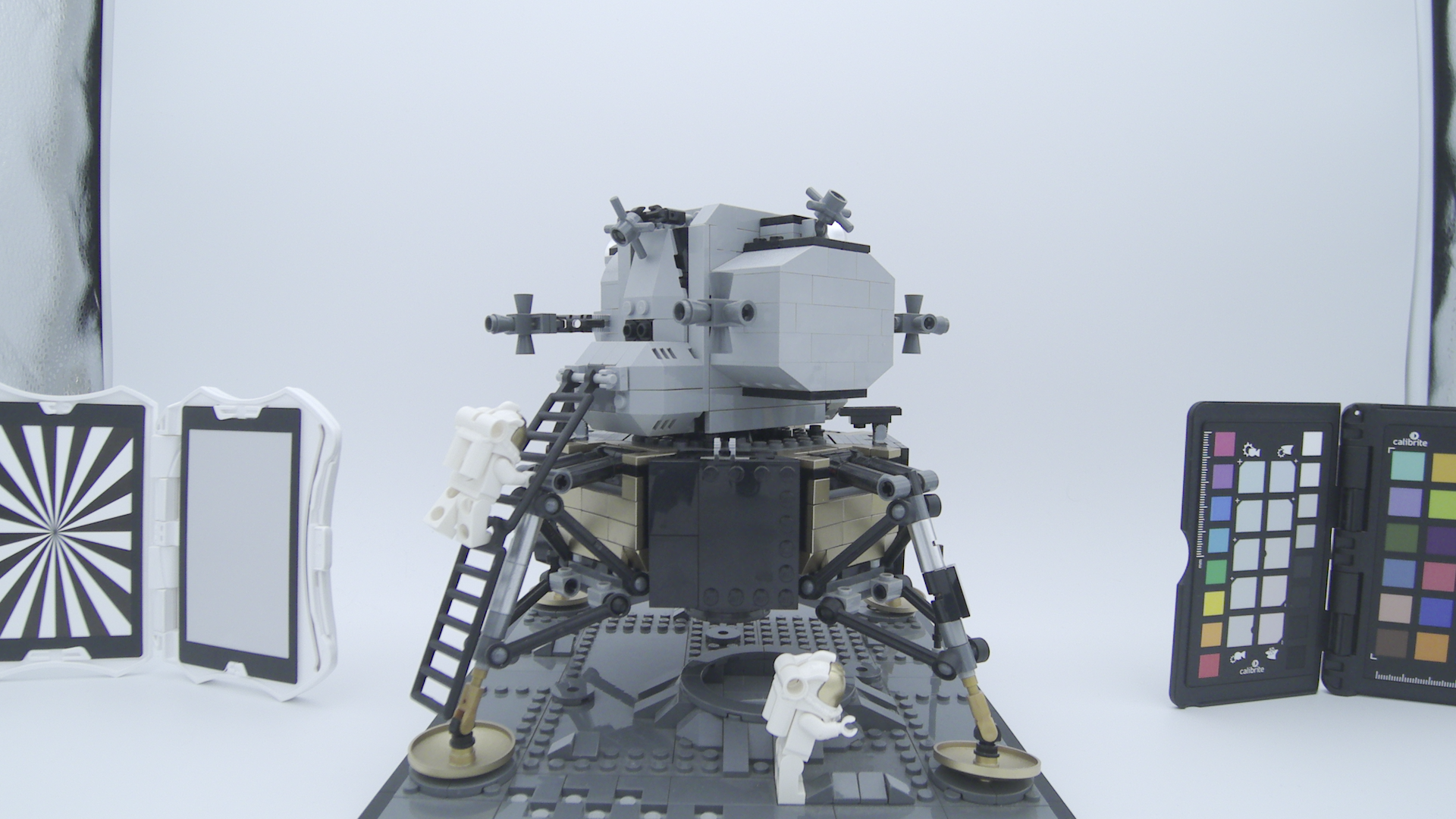
1.50

1.56
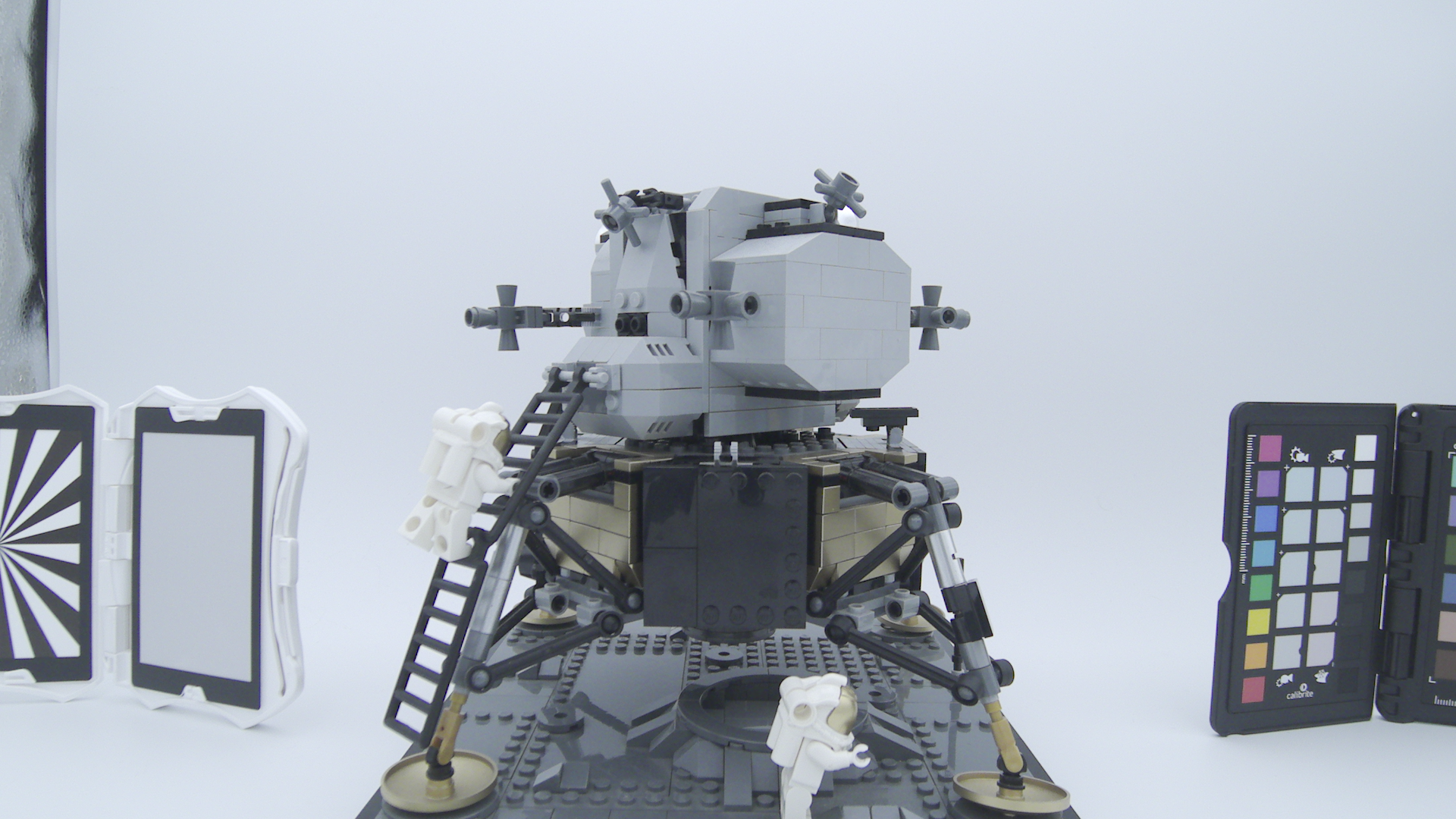
1.60